Use case: Troubleshooting
Reduce machine downtime with guided troubleshooting
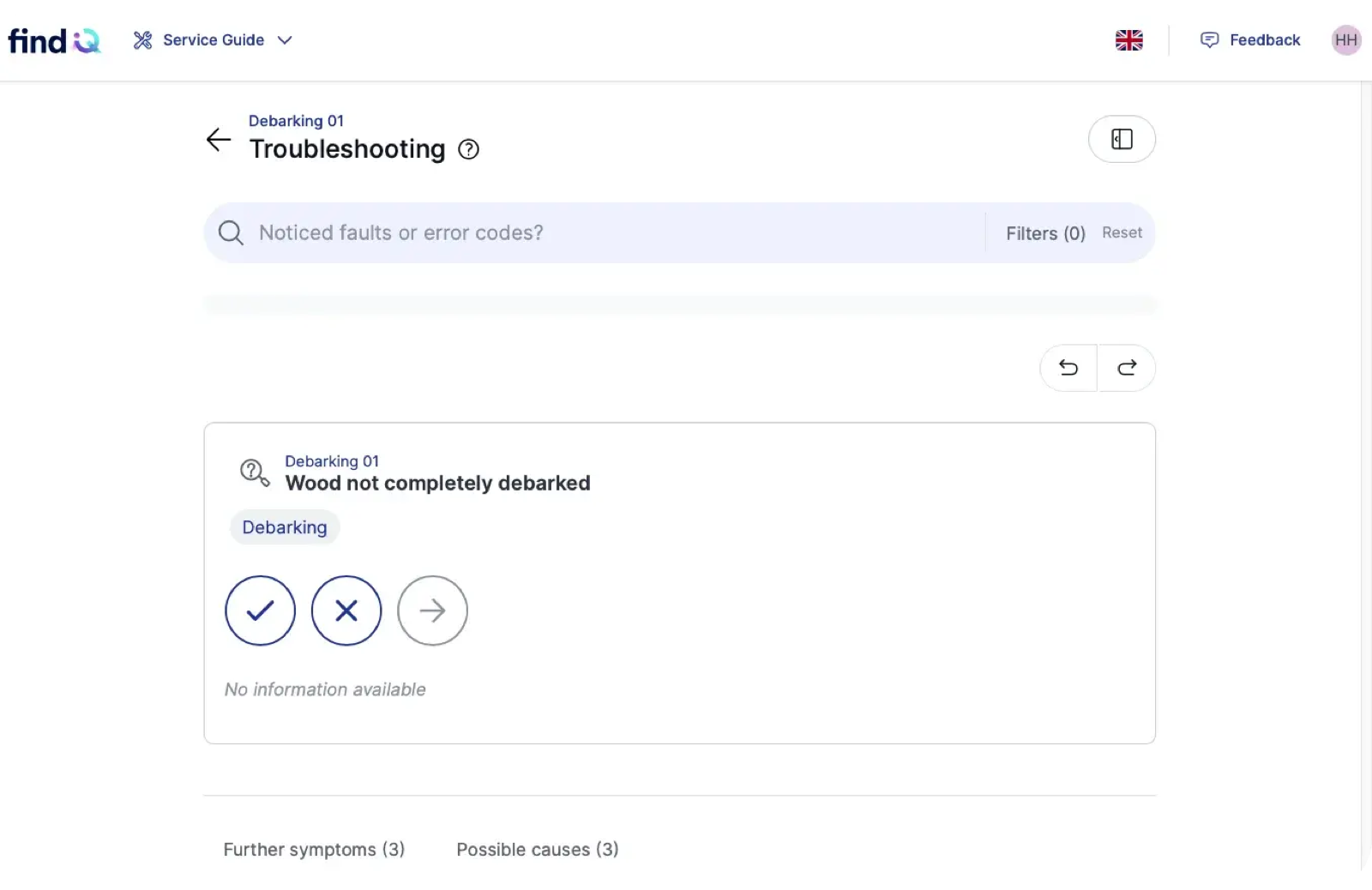
findIQ guides technicians and operators from symptom to root cause, right at the machine. Each step is calculated from your experts’ knowledge, so every shift fixes faults the way your best technician would.
Trusted by manufacturers and machine builders





In short
Guided troubleshooting at a glance
- Guided troubleshooting turns expert knowledge into a step-by-step diagnosis path that any technician can follow at the machine.
- findIQ calculates each step from a structured model of your experts’ knowledge, so the same fault leads to the same validated answer every time.
- Technicians get from fault to fix in about 6 clicks. A knowledge base for one machine type takes about 4 hours to build.
- In a field test at an energy company, troubleshooting time dropped from 40 to 10 minutes.
- Every confirmed fix flows back into the knowledge base, so the guidance improves after about 10 uses.

The problem
Why does troubleshooting take so long?
Most of the time is not spent on the repair itself. It is spent finding the cause: waiting for the right expert, searching manuals and testing parts by trial and error.
Knowledge sits with a few experts
When a fault is new to the shift, technicians wait for the one colleague who has seen it before.
Manuals describe the machine, not the fault
Documents explain how a machine should run. They rarely show the path from a symptom to its cause.
Trial and error costs uptime
Without a proven path, technicians swap parts and repeat checks while the line stands still.


How it works
How does guided troubleshooting work?
findIQ turns your experts’ knowledge into a model of causes and checks. At the machine, it asks for the next most useful check until the cause is clear.
- 01
Capture
Manuals, service tickets and guided interviews with your experts become a structured knowledge base. About 4 hours per machine type.
- 02
Diagnose
The technician starts from the symptom they see. findIQ asks for the next most useful check and narrows down the cause, about 6 clicks from fault to fix.
- 03
Fix
Step-by-step instructions with photos and context lead to the solution. The technician confirms what solved the problem.
- 04
Improve
Confirmed fixes flow back into the knowledge base, reviewed by an editor before they go live. After about 10 uses the guidance gets sharper.


At the machine
What technicians get at the machine
Calculated, not guessed
findIQ reasons from symptom to cause with a structured model. The same fault leads to the same validated path, every time.
Transparent decisions
Every recommendation shows which symptoms and checks led to it, so technicians can follow and verify the result.
Works offline
The click-based diagnosis also runs without a connection, on smartphones and tablets.
In the technician’s language
The whole app is multilingual, so teams across sites follow the same path.
Hands-free with Quinn
Technicians describe the problem by voice and get the next step read out at the machine.
Recurring faults made visible
The Insights Panel shows which faults come back and how long they take, so the root cause can be fixed for good.


Compared
Guided troubleshooting compared with other approaches
Every approach finds the cause eventually. The difference is how long it takes, and whether the next technician can repeat it.
 Guided troubleshooting | Trial and error | Manuals and document search | Documents plus a language model | |
|---|---|---|---|---|
| Path from symptom to cause | Calculated step by step | Depends on the person | Not included | Varies between sessions |
| Same fault, same answer | ✓ Yes | No | Yes, if found | No |
| Shows how the answer was reached | ✓ Yes | No | Partly | No |
| Works offline at the machine | ✓ Yes, click-based diagnosis | Yes | Partly | No |
| Learns from every fix | ✓ Yes, reviewed by an editor | No | No | No |
Customers
Faster diagnosis in real production

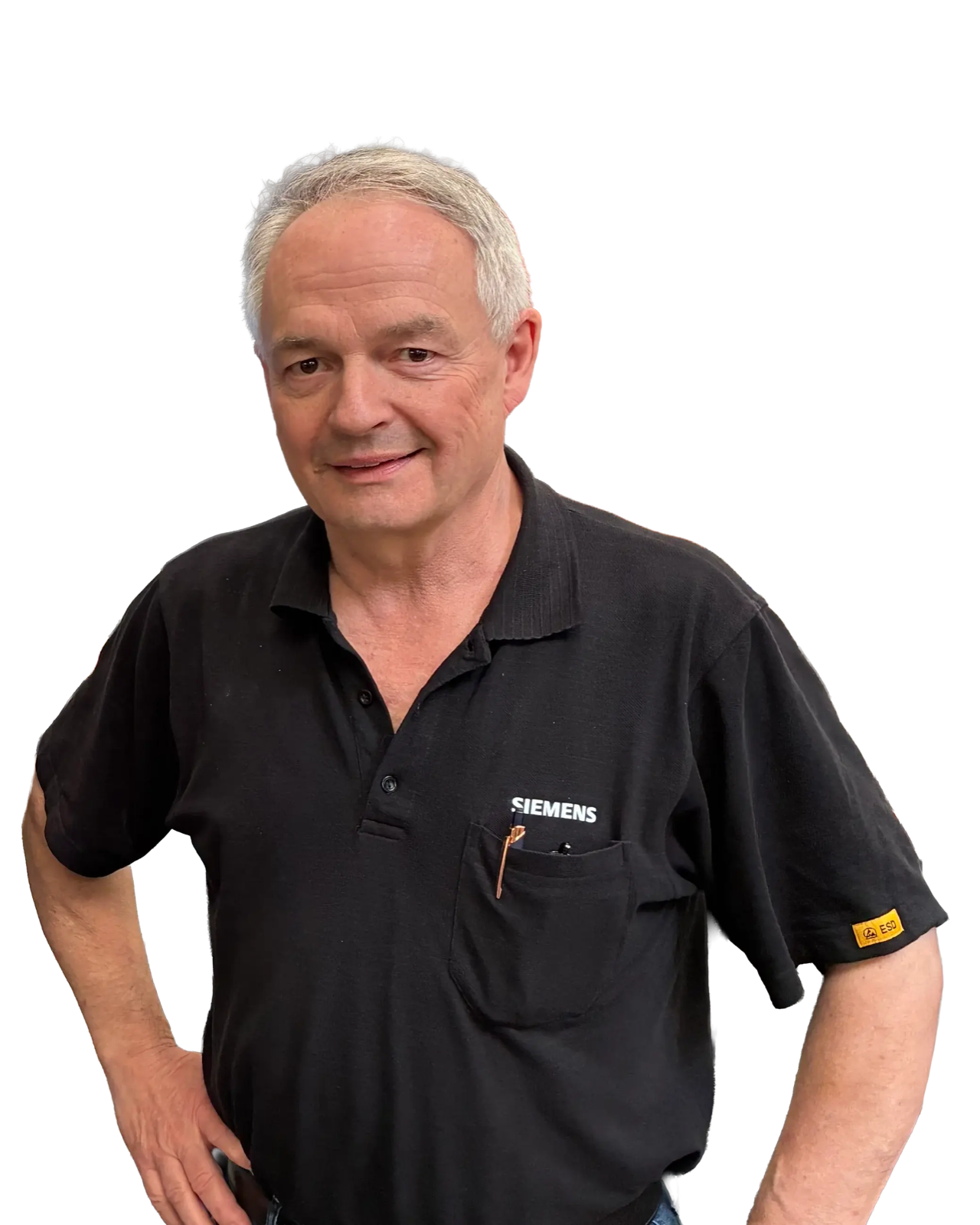
50%of machine faults solved by operators

“I’ve never seen a faster, more systematic approach to building globally scalable knowledge systems.”
Eugen Edelmann
Head of Technology & Service, Siemens Bad Neustadt
From a one-day workshop for two machines to a six-month pilot and a global rollout: today, operators diagnose and fix half of all machine faults themselves.
More customers




Who it is for
Who uses guided troubleshooting
Maintenance technicians
Solve unfamiliar faults without waiting for the expert on the next shift.
Machine operators
Fix routine faults themselves before they turn into a call for maintenance.
Service technicians at machine builders
Arrive with the right diagnosis and fix the fault on the first visit.
First-level support
Guide customers through the diagnosis instead of escalating every case.


No machine connection needed
findIQ starts from your experts’ knowledge and documents.
Mobile and offline
Smartphones and tablets, click-based diagnosis without a connection.
EU data residency
Hosted in the EU. Your knowledge stays yours.
Human in the loop
Changes to the knowledge base are reviewed before they go live.